
Heads up: This post describes the current PCC/MCC exam. A new PCC-MCC Exam launches November 10, 2026 with a different format: 80 questions in 150 minutes, and a new knowledge-based multiple-choice section. If your exam date is on or after that, see The New PCC-MCC Exam for what's changing.
This post is about what the ICF credentialing exam feels like to open, based on what coaches who have sat it describe, the Pearson VUE process, and what I know from working through enough practice to have a strong mental model of how the format behaves.
The logistical details are genuinely hard to find in one place, which is part of why I wrote this. I'll tell you what I know and be clear about what I don't.
The Pearson VUE setup
The ICF credentialing exam runs through Pearson VUE, either at a physical test center or online with a remote proctor. Both options are available; candidates choose when they register.
At a test center: you arrive with a valid photo ID, the staff checks you in, you leave your belongings in a locker, and you are escorted to a computer workstation. Pens and scratch paper, or a whiteboard and marker depending on the center, may be provided. No personal items at the desk.
Online (OnVUE): you take the exam at your own computer with a webcam and microphone running throughout. Before the session starts, you take photos of your ID and do a room scan. Pearson's system checks your equipment. A proctor monitors the session. Coaches who have done this describe it as requiring a quiet, clear space, and report that setup takes longer than they expected. Factor that into your morning.
The tutorial before it begins
When you sit down and open the exam session, the first thing you see is not a real question. Pearson VUE provides a tutorial that walks you through the interface: how to navigate between questions, how to flag a question to come back to, how to use any tools available on screen.
The tutorial questions are sample questions. They are there to show you the mechanics, not to test you. The timer is not running during the tutorial.
This is worth knowing because candidates who are not expecting it sometimes treat the tutorial as if it is the exam, feel surprised by the format, and waste time and energy on it. It is a practice lap. Use it to get comfortable with the interface and then move on.
Why the first real questions feel harder
When the actual exam begins, something happens that catches people off guard. The first few questions tend to feel harder than the practice questions you have been doing.
This is not because the exam front-loads difficulty. The questions are not ordered by difficulty in the way standardized tests sometimes are. It is because your nervous system is adjusting to the conditions of the actual exam: the time pressure is live, the stakes are real, and the setting is unfamiliar.
Coaches who have sat the exam describe a period in the first ten to fifteen minutes where they second-guessed themselves more than they expected to. Then, for most, something settled. The pattern-recognition that practice built started to kick in. The questions started to feel more like questions and less like threats.
Knowing that this adjustment period is normal does not eliminate it. But it can keep you from interpreting it as a sign that you are underprepared when you are simply in a new environment.
What to do in those first ten minutes
A few practical things.
Read each question fully before you start evaluating options. The scenario contains the information you need, and rushing past a key detail in the first few sentences can send you toward the wrong answer. This sounds obvious and apparently still gets people.
On the best-and-worst format: most coaches find it easier to pick the best answer first, then go back to choose the worst. The best tends to pattern-match faster once you have a clear internal model of what ICF coaching looks like. The worst requires you to rank the remaining options by harm, which takes a bit more deliberation. For a deeper look at time management and the two-answer problem, Exam Strategy for the Day You Sit It covers the full approach.
Flag questions you are genuinely unsure about and move on. The exam is 78 questions in 3 hours, which works out to roughly 2 minutes per question on the PCC/MCC format. That pace is workable if you keep moving. It becomes tight if you spend 6 minutes on question 4 and are now behind.
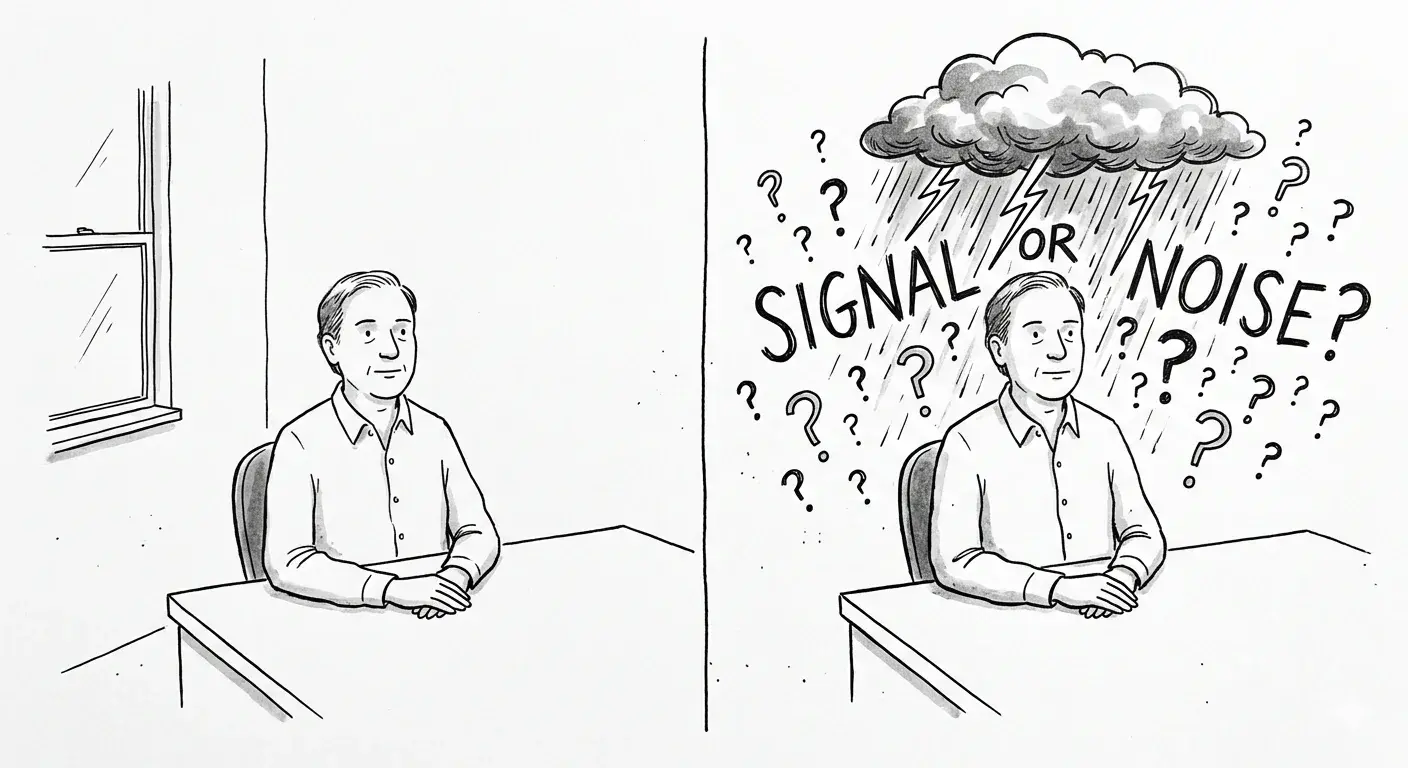
Trust the preparation. The first ten minutes of any high-stakes assessment contain a signal-to-noise problem: your brain generates a lot of noise about whether you are ready, and the actual signal from your knowledge and practice is harder to hear. The noise settles. The preparation is still there underneath it.
The part I cannot tell you
I cannot tell you what it feels like after you click Submit. I can tell you that candidates report getting their score shortly after finishing, and that the result is presented as a scaled score on a 200-600 scale with a passing cutoff of 460. I can tell you that if you do not pass, ICF allows retakes with a waiting period and a fee.
This is the preparation picture as I understand it from what candidates describe and the primary sources.
If you want to simulate the timed experience before exam day, CredentialPrep's Exam Simulation mode runs 78 questions against a 3-hour countdown with the same per-question pacing you will have on test day. The closer your practice conditions are to the actual conditions, the less adjustment the first ten minutes requires.
If you are still building your prep approach, How to Pass on the First Try covers the FOCAL/HINGE framework and how to study diagnostically.
Try a timed simulation at CredentialPrep with the same question count and format as the real exam.